Getting started
Introduction
Learn how Talivia connects traffic, sessions, and revenue in one analytics workspace.
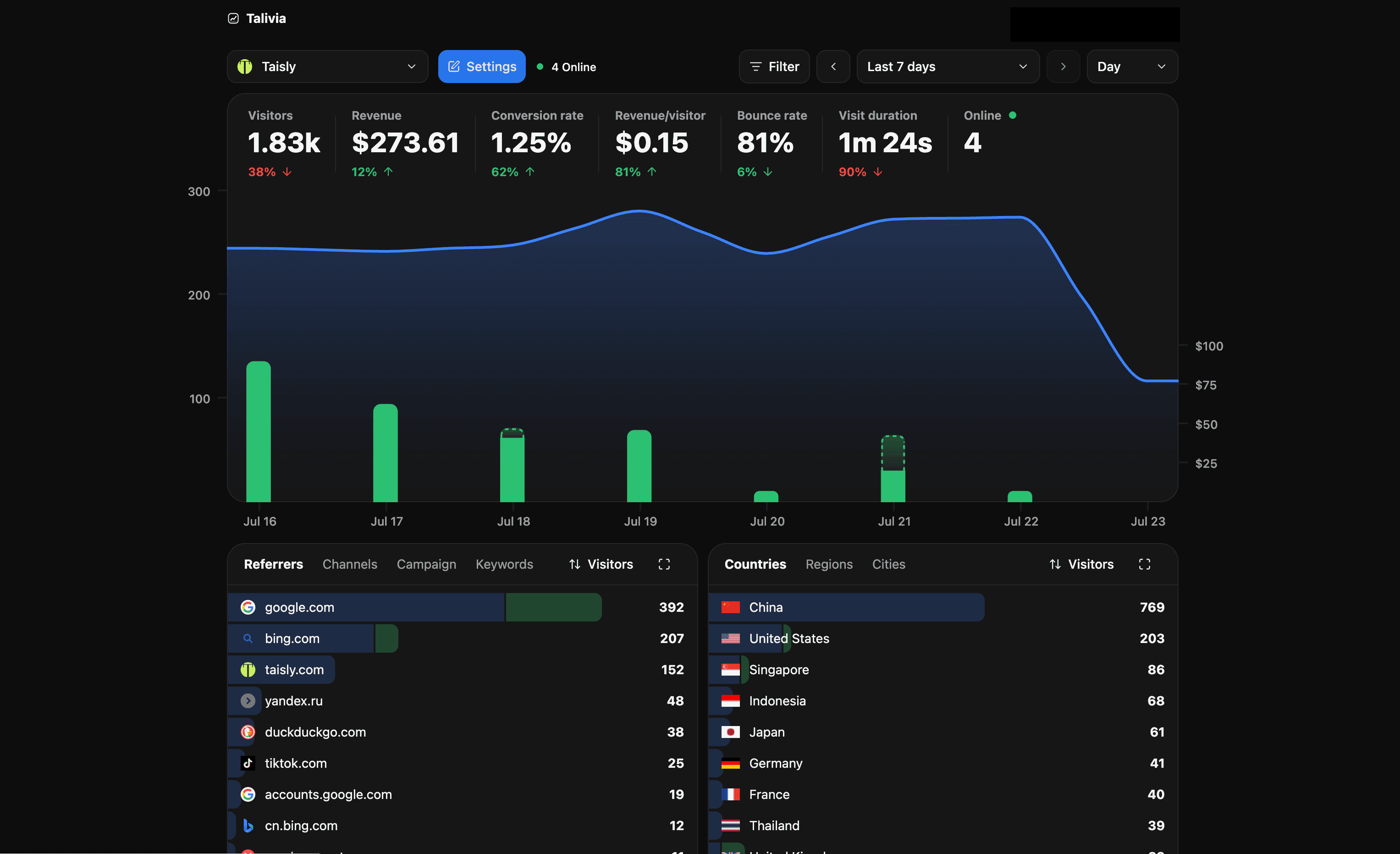
Talivia is revenue-first analytics for founders and small teams. It tracks visits, sessions, sources, events, product journeys, search keywords, and payments in one workspace so you can see what actually creates revenue.
Talivia is analytics with payment attribution, session-level revenue, native Stripe, Yolfi, and Dodo Payments connections, a Manual Payment API, search integrations, and practical collaboration for sharing a website with another user.
What Talivia tracks
- Visits, sessions, pages, referrers, campaigns, countries, devices, browsers, and operating systems.
- Custom events from data attributes or
window.talivia.track. - Session replay and Web Vitals when enabled for a website.
- Revenue from connected payment providers, checkout return URLs, and the Manual Payment API.
- Search queries from Google Search Console and Bing Webmaster with estimated revenue allocation.
Recommended path
- Add your website.
- Install the tracking script.
- Confirm that visits appear in the dashboard.
- Connect revenue sources when checkout is ready.
- Invite teammates or viewers if someone else needs access.
Use these docs
Start with Installation if you only need the script. Use Tracking for JavaScript and data-attribute examples. Use Revenue and Attribution when payments need to connect back to sessions and traffic sources.