Attribute revenue with Yolfi Payment Links
Add one redirect parameter to your Yolfi Payment Link.
Complete the Yolfi connection setup before continuing.
In Yolfi, open your Payment Link and go to After Completion.
For Action After Payment, choose Redirect and use:
https://your-site.com/thanks?session_id={CHECKOUT_SESSION_ID}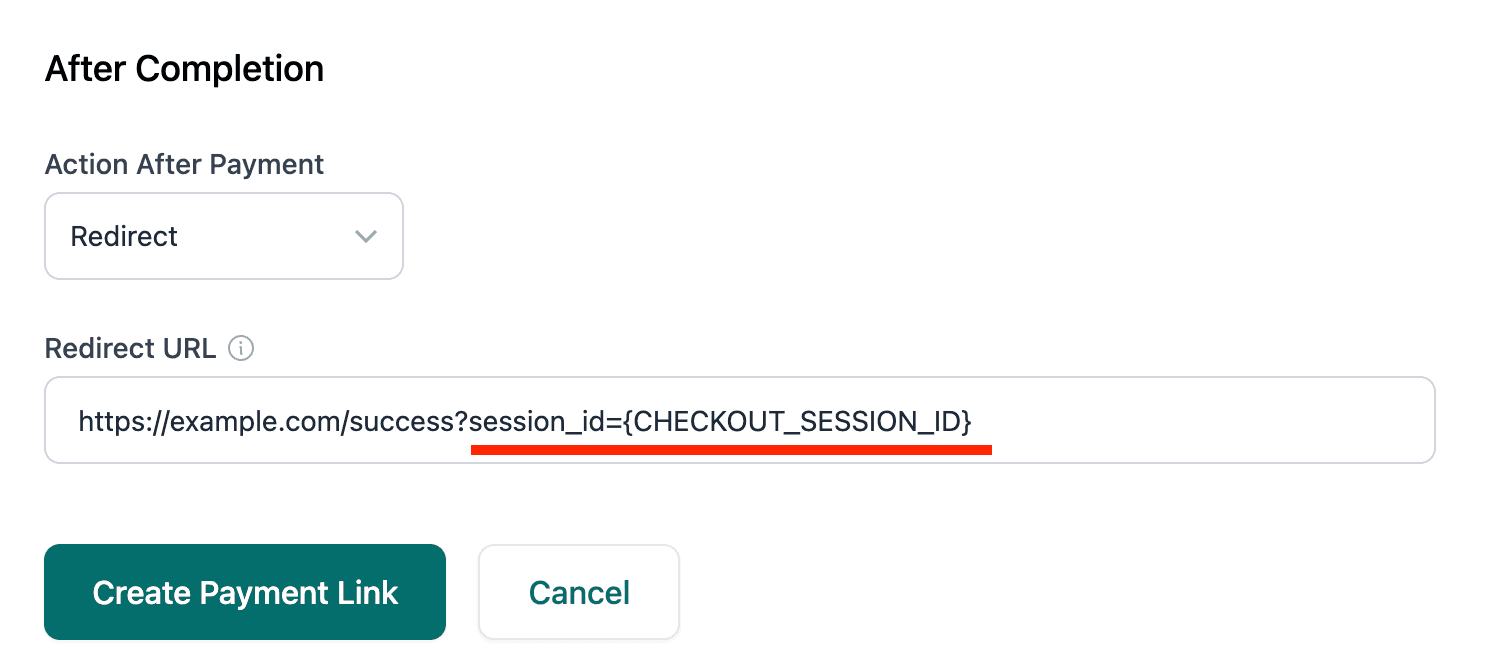
That is all you need. Talivia reads session_id when the customer returns and matches the
payment automatically. No Talivia metadata is required.
Shared links and QR codes
The same redirect works when you share the Payment Link in email, chat, social media, or a QR code. If the customer never returns to a page with the Talivia tracker, the payment is still recorded but cannot be matched to a web session.
Subscriptions
Use the redirect for the first subscription checkout. Later renewals are connected to the original payment automatically and do not need another browser redirect.