Sessions
Inspect individual visitor sessions and activity.
Sessions show how one visitor moved through your website during a visit. Talivia combines page views, custom events, source information, tracker parameters, and payment activity into a single activity timeline.
Session list
Open Sessions from a website to see recent sessions. Each row includes source, visits, events, activity, and spend when the session is connected to revenue.
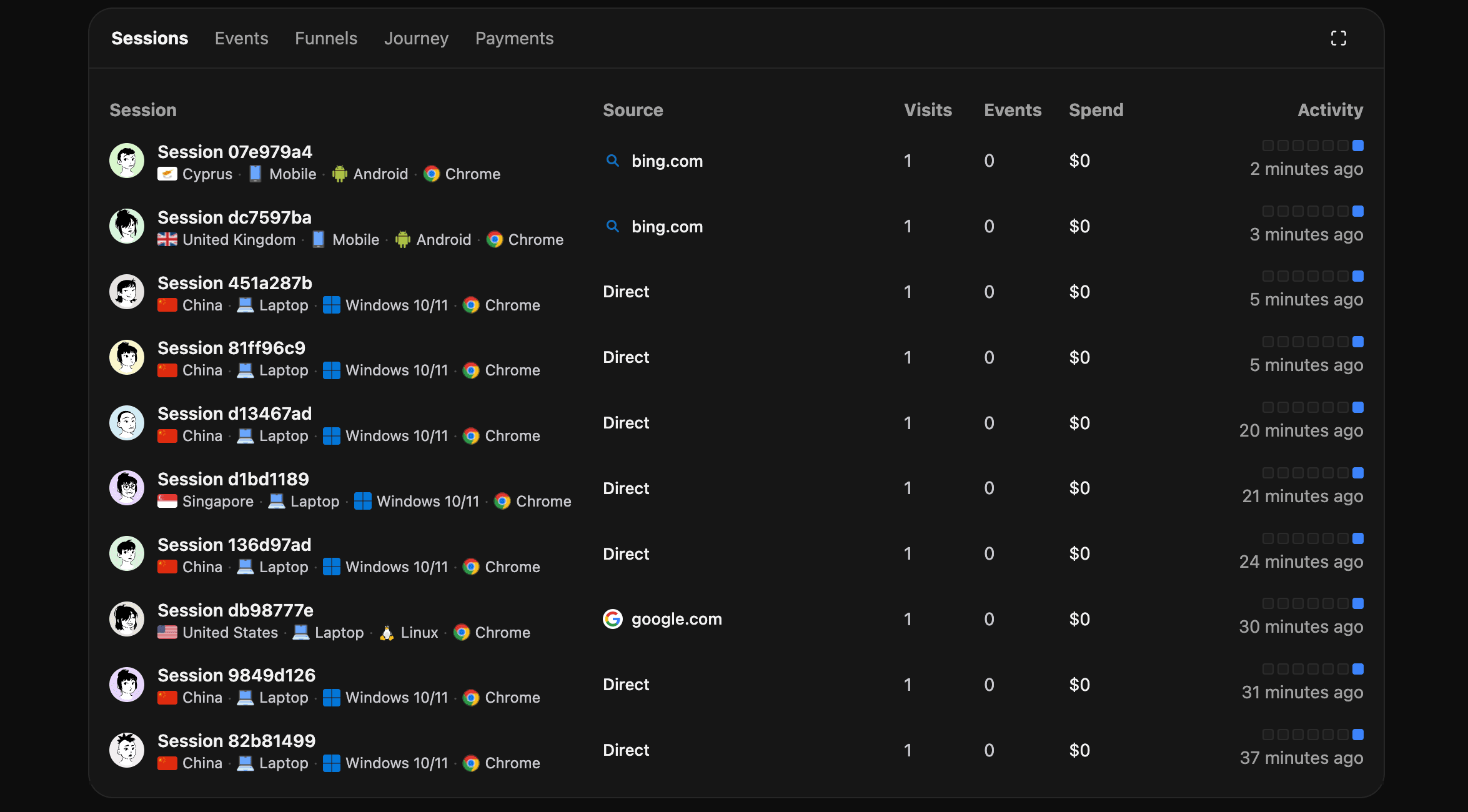
Open the full Sessions report. Select the expand icon in the upper-right corner of the Sessions panel. From the full report, select any session to inspect its detailed activity timeline, source, device, location, events, and attributed spend.
Session detail
The session detail view shows:
- Arrival source, referrer, page, and tracking parameters.
- Page views and custom events in chronological order.
- Browser, OS, device, country, region, and city.
- Payment activity and spend when attributed.
- Session replay when recording is enabled.
Sorting
Activity can be viewed oldest-first or newest-first. Use oldest-first when you want to understand the journey as the visitor experienced it.