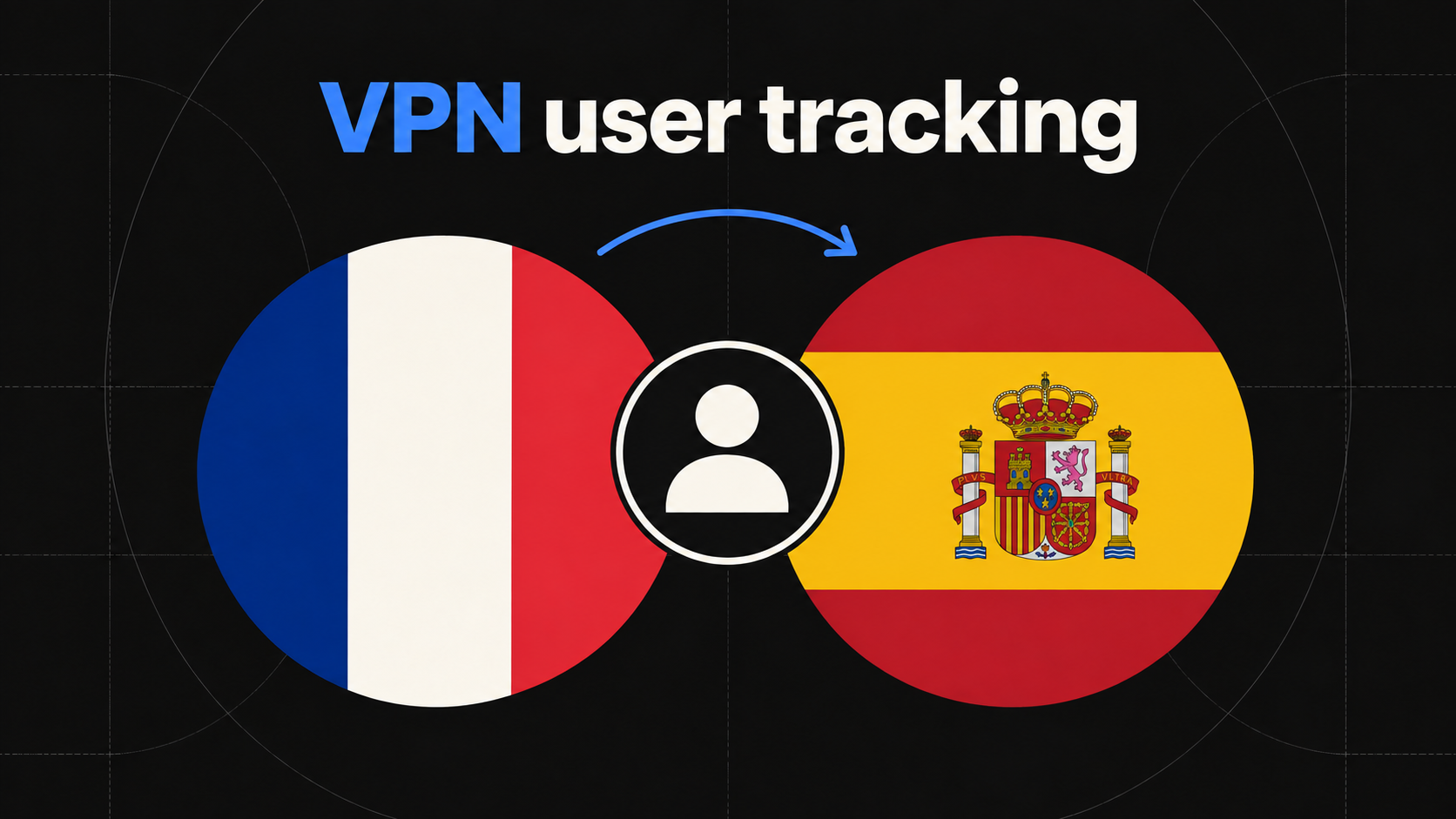
A visitor opens your pricing page from France. Two days later, the same browser returns through a VPN endpoint in Spain. The following week, it appears in France again and completes checkout. If an analytics system treats the IP address as identity, that sequence can look like three unrelated people. If it ignores location completely, an important part of the session context disappears.
VPN user tracking solves a narrower and more useful problem: preserve an eligible returning visitor across sessions when the network address or apparent country changes. It should not mean identifying the human behind a VPN, discovering a private physical location, or bypassing the visitor's browser choices. Good implementation separates visitor identity from network context and keeps the limits visible.
This guide explains why VPN traffic fragments ordinary website analytics, how first-party visitor continuity works, what a location change can and cannot prove, and how to use the resulting timeline for acquisition and revenue decisions.
What VPN user tracking actually means
In website analytics, a visitor, a session, and an IP address are different things. A visitor is an analytics identity available within a browser or supplied by an authenticated application. A session groups nearby activity. An IP address describes a network connection at a point in time.
A VPN changes the public network endpoint seen by the website. The endpoint may be in a different city or country and may be shared by many unrelated people. The same visitor can also change IP without a VPN by moving between Wi-Fi and mobile data, restarting a router, entering an office network, or receiving a new address from an ISP. Conversely, many different visitors can share one corporate, university, hotel, or carrier address.
That makes IP a useful session signal but a poor identity key. The goal of VPN user tracking is therefore not to defeat a VPN. It is to avoid allowing a changing network attribute to erase an otherwise valid visitor relationship.
Why IP-based visitor analytics breaks
An IP-first design tends to make one of two mistakes. It can split the same browser into several visitors every time the address changes, inflating unique visitors and hiding return behavior. Or it can merge unrelated people who happen to share an address, manufacturing a journey that never happened.
Both errors damage marketing analysis. The first can turn a seven-day consideration cycle into a collection of one-session bounces. The second can attach one person's source or payment to another person's activity. Neither is repaired by choosing a different attribution model because the underlying identity relationship is already wrong.
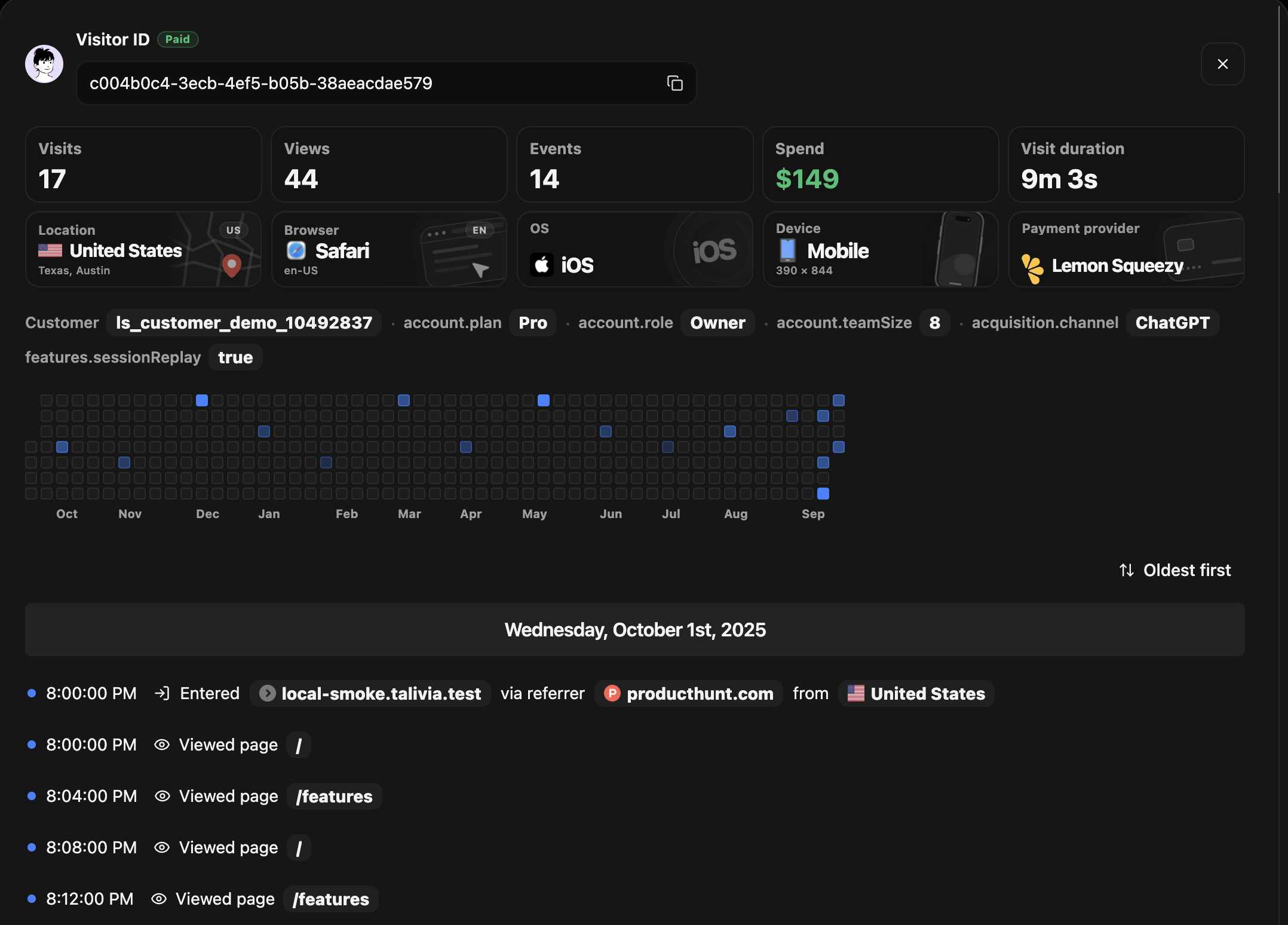
A reliable system begins with a scoped first-party identifier. Talivia creates an opaque visitor reference in the tracked site's browser context and a separate rolling session reference for active browsing. When that visitor returns with the identifier still available, the new session can join the existing visitor even when the observed country has changed. The website session analytics view then shows the visits as one inspectable timeline instead of unrelated rows.
How to connect sessions without using IP as identity
A practical model has four layers:
- Visitor: an opaque first-party browser identifier, or a stable identifier deliberately supplied by your application after authentication.
- Session: a bounded period of active browsing with its own source, entry page, device, browser, and observed location.
- Activity: pageviews and meaningful events recorded in chronological order inside the visitor timeline.
- Outcome: a signup, activation, or confirmed payment matched through an explicit session or customer signal.
With those layers separated, a network change updates the context of the new session rather than replacing the visitor. The first session might be seen from France with a Google source. A later session might be seen from Spain and arrive directly. A third session might return through email and produce a payment. The timeline can preserve all three facts without claiming the VPN caused the purchase or that Spain was the visitor's physical location.
Talivia's VPN user tracking view marks a country only when a new country first appears in that visitor history. Repeated events from the same country do not receive another marker. If every session uses one country, the activity remains uncluttered.
What a location change can tell you
A changed country tells you that the session's network was geolocated differently. It can explain why device and location panels changed between visits and why IP-based tools may have fragmented the user. It can also help support or product teams understand the context around an unusual session sequence.
It does not prove any of the following:
- The visitor physically traveled to the country.
- The visitor intentionally enabled a VPN.
- The VPN provider, server, or original network address.
- The real-world identity of the person using the browser.
- That two devices belong to the same person.
Copy and interface labels should reflect that uncertainty. "Seen from Spain" or "Session location: Spain" is supportable. "The visitor traveled to Spain" is not. This distinction makes the report more trustworthy and keeps investigation from becoming speculation.
Use the connected timeline for better marketing decisions
The commercial value is not the flag beside an event. It is the activity that remains connected around it. A marketing team can see that a paid search session introduced the visitor, a direct session revisited pricing through another location, and an email session completed checkout. That sequence is more useful than three anonymous visits with three independent acquisition stories.
Preserve original acquisition separately from the source of each return session. The original source answers how the observable relationship began. Session source answers how the visitor came back this time. The article on first-touch and last-touch attribution explains why both can be valid facts while answering different questions.
Payments need their own evidence. A browser event on a success page is not enough. Talivia's revenue attribution workflow uses supported session or customer signals and confirmed provider events. Once a payment is reliably joined, the visitor timeline can show both the network context and the business outcome without assigning revenue merely because two timestamps look close.
Where VPN user tracking stops
The continuity is only as strong as the identifier. If the visitor clears site data, rejects the applicable storage, opens a private window, switches browsers, or moves to another device, the first-party browser identifier may no longer be available. The honest result is a separate visitor unless your product later receives a deterministic account identifier through signup or login.
Do not fill that gap with fingerprinting or IP similarity. Screen size, fonts, location, and network address can resemble another session without proving it belongs to the same person. A partial but defensible journey is more valuable than a complete-looking path made from probabilistic guesses.
Cross-device identity is a different feature. It normally requires an authenticated account or another explicit relationship established by the site. The guide to SaaS customer journey analytics covers the distinction between visitors, sessions, accounts, and subscriptions.
Privacy and consent still apply
Using a random identifier instead of an email address is good data minimization, but it does not automatically make visitor-level analytics anonymous or exempt from consent. Persistent identifiers, individual histories, approximate location, and payment relationships can remain personal data or regulated storage depending on the jurisdiction and configuration.
Document what the tracker stores, why the information is used, how long it is retained, and how visitors can exercise applicable choices. Avoid collecting precise location, raw personal data in event properties, or sensitive values in URLs. Review the site's privacy policy and consent setup with the appropriate legal owner before enabling individual visitor histories.
The product promise should remain narrow: connect eligible activity on the customer's own website when a browser's apparent network location changes. It should never be framed as revealing a hidden identity or defeating privacy tools.
A practical VPN user tracking checklist
- Use an opaque first-party visitor identifier rather than IP as identity.
- Keep visitor and session IDs separate.
- Store acquisition source at both original-visitor and current-session scopes.
- Record country as approximate session context, not physical truth.
- Show a location marker only when it adds new information.
- Never merge browsers or devices from suggestive network attributes.
- Join payments only through supported session or customer evidence.
- State storage, consent, retention, and identity limits clearly.
Test the setup with a controlled path. Visit through a tagged source, open several pages, wait for a new session, change the VPN endpoint, return in the same browser, and complete a test conversion. Inspect whether the original source, both session locations, activity, and outcome appear under one visitor. Then repeat after clearing storage so the expected identity boundary is visible too.
If you want to see the complete visitor story when IP addresses and countries change, start a Talivia trial and inspect the first returning visitor in the activity timeline.