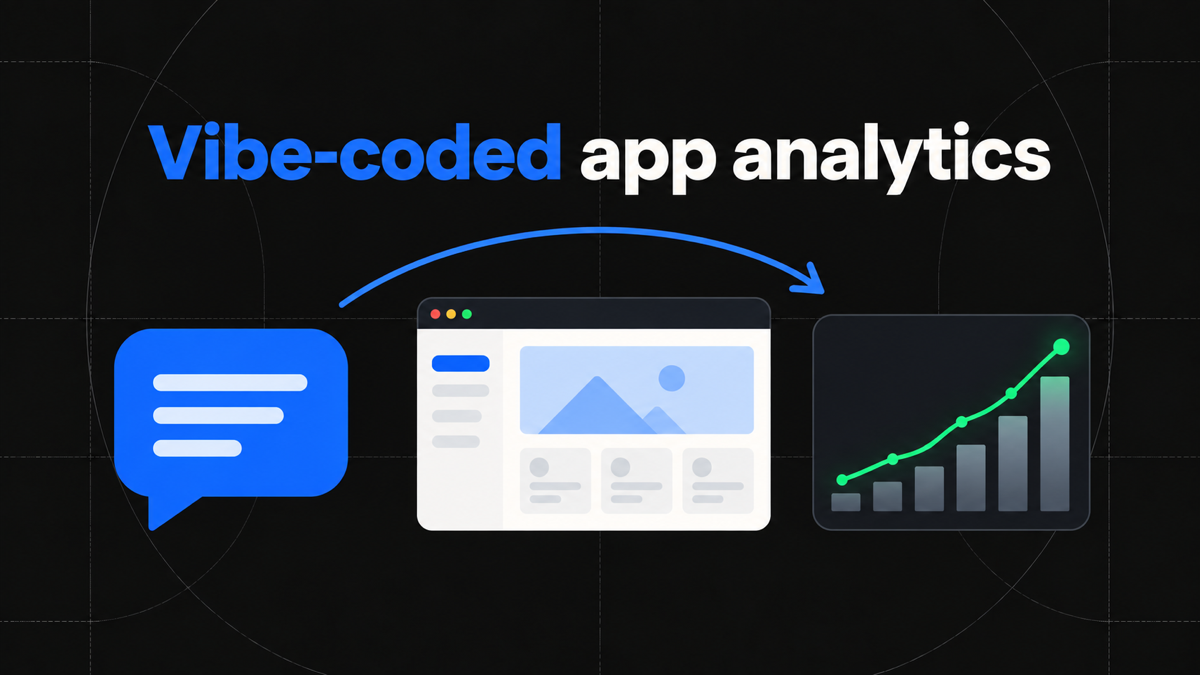
The first version of a modern web product can appear in an afternoon. You describe the idea to Lovable, Bolt, Replit, v0, or a coding agent, review the generated interface, connect a database, and publish. The speed is real. The difficult question arrives a day later: what should you improve now?
A hosting dashboard may show requests or visits, but that does not explain whether people completed onboarding, reached the useful part of the product, returned after the first session, or paid. A payment provider shows transactions, but not the launch link, page sequence, and product actions that preceded them. Analytics for vibe-coded apps should connect those facts without forcing a small team to build an elaborate data stack.
This guide presents a practical measurement model for AI-built websites and browser applications. It explains what to track first, how to install and verify Talivia, how to connect acquisition to product behavior and confirmed revenue, and where an AI coding agent can help. The accompanying analytics for vibe-coded apps page shows the same model as one inspectable visitor journey.
Why publishing is only the start
Vibe coding compresses the distance between an idea and a working deployment. It does not remove the product questions that follow a launch. If anything, rapid iteration makes feedback more important because another prompt can change the onboarding flow, pricing page, or core interaction in minutes. Without a stable measurement layer, each revision produces opinions rather than evidence.
Traffic totals are a useful health signal, but they flatten unlike behaviors into one number. A visitor who reads the home page and leaves is counted beside a visitor who signs up, creates a project, invites a teammate, and starts checkout. The second journey contains much more evidence of value. The purpose of product analytics is to preserve that difference.
Begin with decisions, not every available event. Ask which acquisition source brings qualified visitors, which action represents first value, where the path to that action breaks, and which journeys become confirmed payments. These questions produce a small, useful instrumentation plan. They also protect a fast-moving codebase from dozens of generated event names that nobody consistently uses.
Talivia keeps automatic pageviews, sessions, sources, device context, and locations around the deliberate product events. Its website analytics overview explains the difference between aggregate traffic reports and visitor-level activity. The two views belong together: totals reveal a pattern, while the journey helps you understand it.
Define the first-value event before installing anything
Every useful setup needs a definition of activation. Activation is the first observable action that suggests a visitor experienced the product's intended value. It is not automatically account creation. For an AI site builder it might be the first published page. For a research tool it might be the first completed report. For a marketplace it could be the first saved listing or supplier contact.
Write the definition in plain language before asking an agent to edit code. A good statement is specific enough to test: "The user has activated when their first project is successfully published." That wording tells the implementation exactly where the event belongs. It also prevents a button click from being mistaken for a successful outcome when a request later fails.
Then define the shortest meaningful spine around activation. Most early products need only signup completed, activation completed, checkout started, and perhaps one repeat-value action. Use stable names such as signup-completed and first-project-published. Avoid event names tied to button colors, modal positions, or temporary component names because the generated interface will change faster than the business meaning.
The event analytics guide shows how named actions fit beside pageviews, while the event tracking documentation covers the implementation details. Event properties should stay equally intentional. A plan name or template category can be useful. Email addresses, access tokens, free-form user content, and other sensitive values should not be copied into analytics merely because the agent can reach them.
Install the tracker through the real application boundary
The correct installation point depends on what the builder produced. A static site may need a script in the shared HTML document. A React or Vite app usually needs the tracker in the root application entry. A Next.js product normally places it in the shared layout so navigation across routes remains covered. The builder brand matters less than the framework and rendering boundary in the exported project.
Talivia can generate instructions for the selected website and framework. A supported agent can also use the AI Agent Kit to choose the property, obtain the installation plan, edit the appropriate file, and help verify the result. A useful prompt gives the agent both the technical task and the measurement intent:
Set up Talivia for this web app. Install the tracker in the shared application boundary, add events for completed signup, the first successful project publish, and checkout start, then verify that real production data is arriving.Do not treat a successful code edit as a successful analytics setup. Environment variables may be absent in production. A consent rule may prevent the tracker from loading. A strict content security policy may block a request. A generated component may execute only on the server. The definition of done is an observed browser visit in the correct Talivia website after the deployment is live.
Keep preview, staging, and production domains deliberate. Mixing them can make internal testing look like customer behavior. If a builder assigns temporary domains, decide whether they belong in the same property or a separate test property before the first campaign begins.
Build one journey from acquisition to activation
Once data is arriving, test a controlled path instead of waiting for random visitors. Open the deployed product through a URL with recognizable campaign parameters. Visit the key landing page, complete signup, perform the first-value action, and inspect the resulting activity. The session should preserve the entry page and campaign beside the named events in chronological order.
This test exposes common mistakes quickly. If the campaign is missing, a redirect may be stripping its parameters. If the pageview appears but the event does not, the event call may run before the tracker is ready or only on an optimistic click. If the event appears twice, development rendering or repeated handlers may be involved. If nothing appears, verify the domain, website identifier, production configuration, browser request, and consent state.
After the timeline is trustworthy, turn the same steps into a funnel. The funnel documentation can model landing page to signup, signup to first value, and first value to checkout. Keep the steps close to the actual product path. A ten-step funnel copied from an imagined customer lifecycle is harder to diagnose than three short funnels with clear ownership.
Look at both conversion and delay. Two versions of onboarding can have the same completion rate while one makes people struggle for much longer. Session activity provides the context for that difference. The session analytics view lets you inspect the pages and actions around an aggregate drop-off instead of guessing from the percentage alone.
Keep traffic, product progress, and payment truth separate
Three classes of evidence answer three different questions. Acquisition data explains how the visit began. Product events show observable progress inside the application. Payment data confirms a commercial outcome. They become more valuable when connected, but they should not be collapsed into substitutes for one another.
A visit to /pricing shows interest, not purchase. A checkout-started event shows intent, not settled revenue. A success page can be reloaded, opened without a valid transaction, or missed after a valid payment. Revenue should come from the supported payment provider and then be matched to the appropriate visitor, session, or customer relationship.
Talivia's revenue attribution combines confirmed payment evidence with the acquisition and activity that preceded it. The revenue tracking documentation describes the supported connection and matching paths. Once the join is reliable, you can ask better questions: which launch channel creates activated users, which activated users later pay, and which product actions commonly appear before a subscription.
Preserve both original acquisition and return-session source. The initial Product Hunt visit may introduce the product, while a later email brings the same visitor back to complete checkout. These are not competing versions of the truth. They are different moments in one journey and can support different marketing decisions.
Let the agent assist with setup and analysis
An AI agent is especially useful when analytics work crosses documentation, application code, and verification. It can inspect the framework, find the shared layout, install the generated snippet, add events near confirmed application outcomes, and report the files it changed. This is safer and more useful than a vague request to "add analytics everywhere."
The agent can also help investigate once the setup is live. Instead of asking for a generic dashboard summary, ask a bounded question: compare activation for two launch campaigns, identify the most common page immediately before signup, or inspect paid visitor journeys that included a specific feature event. A precise question encourages a result that can be checked against the underlying data.
Human review still matters. Check that the website selection is correct, event calls describe successful outcomes, properties contain no secrets or personal content, and payment configuration uses the intended provider account. Authentication and secure provider handoffs should remain explicit. Generated code is an implementation proposal until the live data proves it behaves correctly.
The best workflow is a loop: describe the measurement goal, let the agent implement the narrow change, deploy, generate one real test journey, inspect it, and only then expand. That loop matches the rhythm of vibe coding while preserving engineering discipline.
Design a small dashboard for weekly decisions
The first dashboard does not need every possible chart. It should answer whether qualified people arrived, reached value, returned, and paid. A compact review can combine acquisition by source, activation conversion, time to activation, checkout starts, confirmed revenue, and a short queue of visitor journeys worth inspecting.
Segment carefully. Comparing mobile and desktop can reveal a broken interaction. Comparing campaign sources can show that a high-volume launch produced little activation. Comparing new and returning sessions can show whether people need several visits before committing. Avoid slicing so narrowly that a handful of visits looks like a reliable trend.
When a metric changes, move from aggregate to detail. If activation falls, inspect the funnel step and recent sessions around the break. If revenue rises, inspect whether it came from more customers, larger payments, or a single unusual transaction. If direct traffic grows, review whether campaign parameters were lost before concluding that brand demand improved.
Tie each metric to an owner and a possible action. Activation may belong to product onboarding, while qualified acquisition belongs to a campaign owner. A metric without a decision becomes decoration. The goal of the dashboard is not to prove that the app has analytics. It is to shorten the distance between observed behavior and the next useful product change.
Respect identity, consent, and data boundaries
Browser analytics has limits that should remain visible. If a visitor clears site data, rejects the applicable storage, switches browsers, uses a private window, or moves to another device, the existing first-party identity may not be available. Do not fill the gap with fingerprinting or a guess based on IP address, device details, or approximate location.
Use opaque identifiers and collect only properties required for a clear measurement purpose. Do not place sensitive data in URLs. Document retention, consent behavior, and access. Review the privacy policy and the obligations that apply to your users and jurisdictions before enabling visitor-level histories.
AI-generated applications deserve extra attention because prompts can accidentally encourage broad collection. Tell the agent what not to send. Review every custom event and property in the diff. Test both consented and non-consented states when applicable. Analytics should make the product easier to understand, not quietly turn application data into an uncontrolled secondary database.
The same boundary applies to revenue. Keep payment provider evidence authoritative, expose only the fields needed for analysis, and never send secrets to a browser tracker. Talivia connects supported outcomes to journeys; it does not make a checkout click equivalent to money.
A practical launch and iteration checklist
Before launch, choose one production property, define the first-value event, and install the tracker at the shared application boundary. Add only the small event spine required to observe signup, activation, repeat value, and checkout. Confirm that staging traffic will not pollute production.
After deployment, generate a controlled journey from a tagged URL. Confirm the pageviews, source, events, device context, and session order. Trigger failure paths to ensure a failed action does not emit a success event. If payments are enabled, complete the provider's supported test flow and verify that confirmed revenue is joined through real evidence rather than a success-page visit.
During weekly review, compare acquisition with activation, inspect the short funnels, sample the journeys behind surprising changes, and turn each finding into one product or campaign decision. Retire event names that no longer represent the product, but preserve stable business concepts across interface rewrites.
That is enough to create a durable feedback loop for a rapidly built product. You do not need a warehouse before the first customer. You need a trustworthy path from arrival to value to payment, plus the ability to inspect what happened when a number changes. Add your app to Talivia, verify the first production journey, and let the next prompt respond to evidence rather than intuition.